Service 01 · Websites
Websites for RTOs
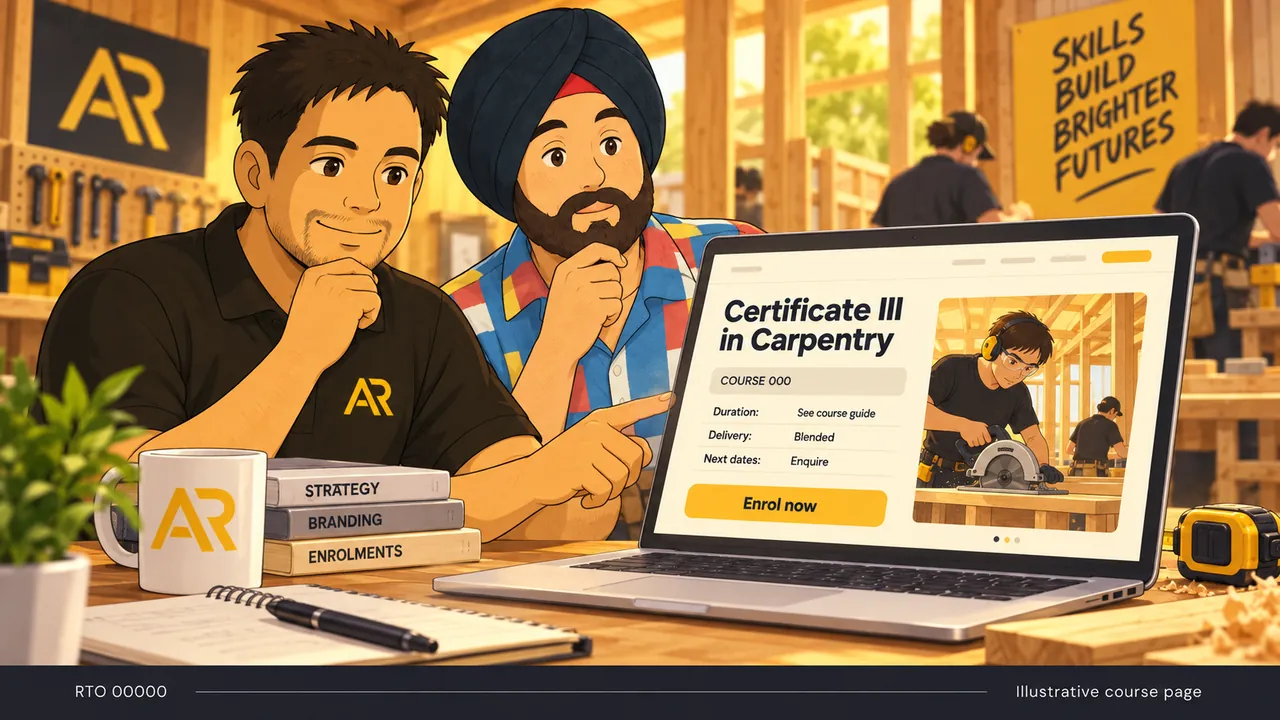
A training provider's website does a different job to most business sites. The course page is the product page, the booking page and a compliance document at the same time. When we scope one, the list usually looks like this.
01Course pages that answer first
Course code and title, duration, delivery mode, cost, funding, entry requirements, units and the next dates, in plain text near the top.
02Live dates and online booking
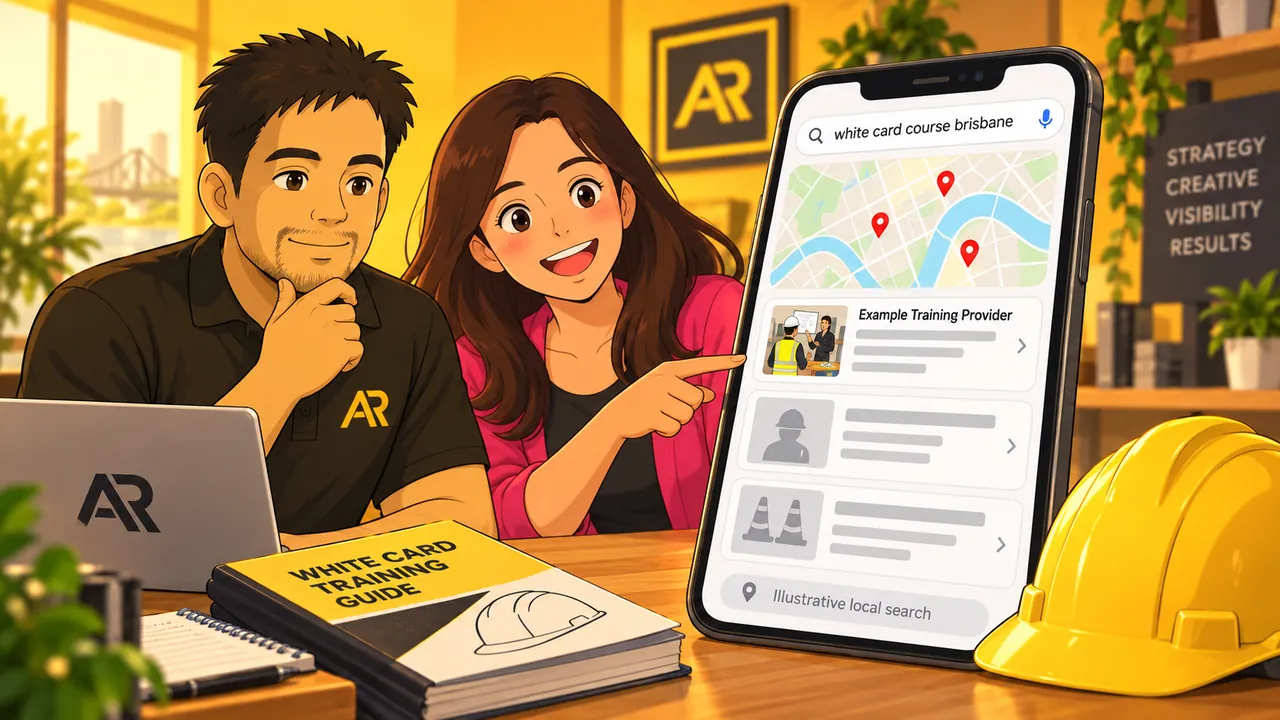
For short courses, the next available sessions and a booking path that works on a phone. Many learners book the same day they search.
03Funding questions up front
A few eligibility questions before the enquiry, so your team talks to people who qualify for the funded place they asked about.
04Enquiries that reach a person
Forms go straight to the right course coordinator, with the course and campus already attached.
05Student system connections
Where your student management system has an API, bookings and enquiries can go straight into it instead of being re-keyed.
06Course code changes handled
When a qualification is superseded, the old page redirects to the new one so rankings carry across.
07Compliance built in
RTO code in the footer and on course pages, the NRT logo only where it belongs, and links to your student handbook and policies.
08Enrolments tracked as conversions
Tracking counts a booking or enrolment, not just a page view, so you can see which courses the site is filling.