
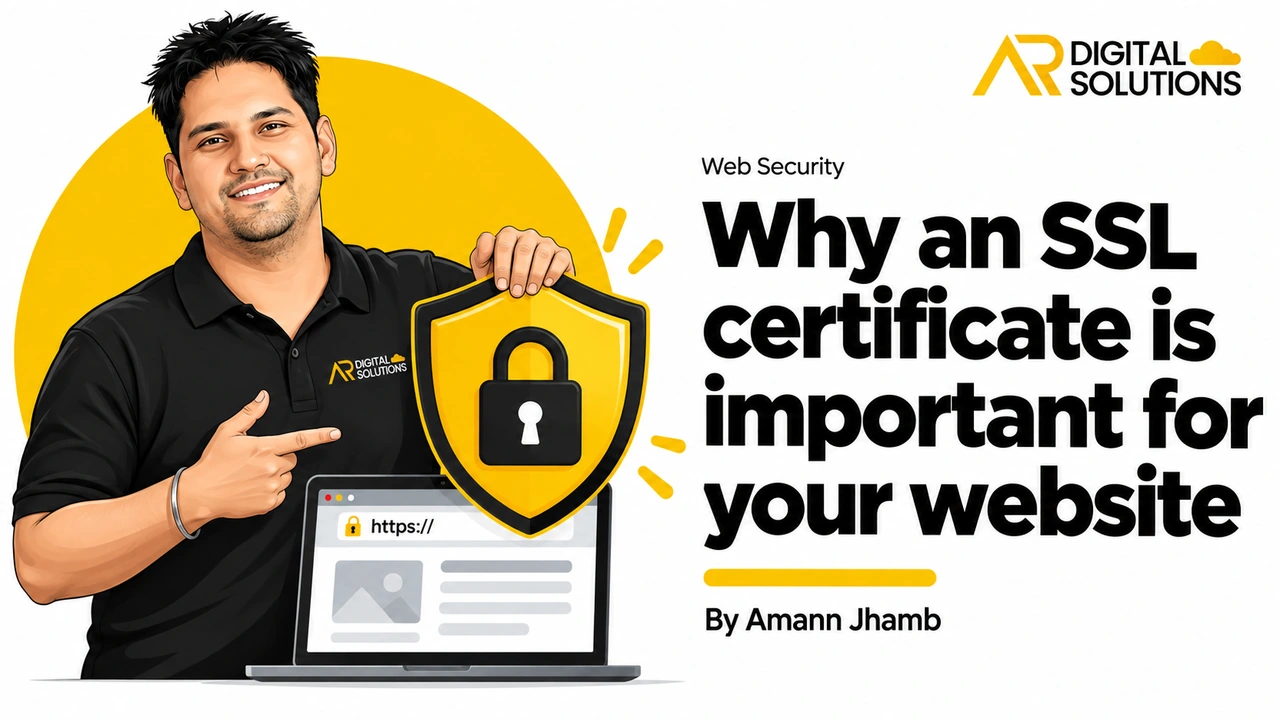
If your website still uses HTTP rather than HTTPS, visitors see a "Not Secure" warning in their browser before they see a single word of your content. That warning does not just damage trust. It actively discourages people from submitting forms, making purchases, or even staying on the page.
An SSL certificate is no longer optional infrastructure. It is a basic requirement for any website that wants to rank in Google, accept form submissions, or handle customer data safely. It's on the checklist for every SEO project in Brisbane we take on.
What is an SSL certificate?
An SSL (Secure Sockets Layer) certificate is a digital certificate that establishes an encrypted connection between your web server and the visitor's browser. Once installed, all data exchanged between the two, including form submissions, login credentials, and payment information, is transmitted in an encrypted format that cannot be read if intercepted in transit.
The practical sign of an active SSL certificate is the padlock icon in the browser address bar and the "https://" prefix in the website URL.
Five reasons your website needs SSL
1. It protects visitor data
Any website that collects information, whether it is an email address in a contact form, a login on a members-only site, or payment details at checkout, has a responsibility to protect that data in transit.
Without SSL, data passes between the visitor's browser and your server in plain text. An attacker in a position to intercept that traffic, for example on a public Wi-Fi network, can read it directly. SSL eliminates this risk by encrypting the connection end-to-end.
2. It builds trust with visitors
The padlock icon is one of the most recognised trust signals on the web. Visitors have been conditioned by browsers and security awareness campaigns to look for it before entering any personal information. Sites without it face immediate scepticism, particularly on checkout and contact pages.
3. It is a Google ranking factor
Google confirmed HTTPS as a ranking signal in 2014 and has strengthened its preference for secure sites since. Two otherwise comparable sites will see the HTTPS version ranked higher. Beyond rankings, Google Chrome flags all HTTP sites as "Not Secure," which increases bounce rates and reduces the volume of enquiries your site receives.
4. It prevents certain cyberattacks
SSL protects against man-in-the-middle (MITM) attacks, where an attacker positions themselves between the visitor and your server to intercept or alter data. This type of attack is particularly common on public and shared Wi-Fi networks. SSL makes this class of attack impractical by ensuring the connection is encrypted and the server's identity is verified.
5. It is required for modern web functionality
Several browser features and payment processing platforms require SSL as a prerequisite. The Payment Card Industry Data Security Standard (PCI DSS), which applies to any site that processes card payments, mandates SSL. Google Chrome also blocks certain functionality, including geolocation and camera access, on non-secure pages.
Types of SSL certificate
Domain Validation (DV): Verifies that the applicant controls the domain. Sufficient for most business websites, blogs, and contact-only sites. Generally the lowest cost option and can be issued within minutes.
Organisation Validation (OV): Verifies both domain ownership and the legal identity of the organisation. Provides higher assurance to visitors. Appropriate for businesses where trust is a critical factor.
Extended Validation (EV): The highest level of validation, requiring detailed checks on the business. Previously displayed the company name in the address bar in some browsers, though this display has been reduced in recent Chrome and Safari versions.
For most small business websites, a DV certificate is sufficient. eCommerce sites handling payments benefit from OV or EV.
Renewing your SSL certificate
SSL certificates expire, typically after one year. An expired certificate produces the same browser warnings as having no certificate at all. Most hosting providers offer automated renewal, which removes the risk of accidental expiry. Confirm your renewal is automated, or set a calendar reminder 30 days before the expiry date.